Reports & analytics
Your front desk shouldn't need a data analyst. Revively surfaces bookings, revenue, top services, staff performance, and room utilization in dashboards you can open between clients.
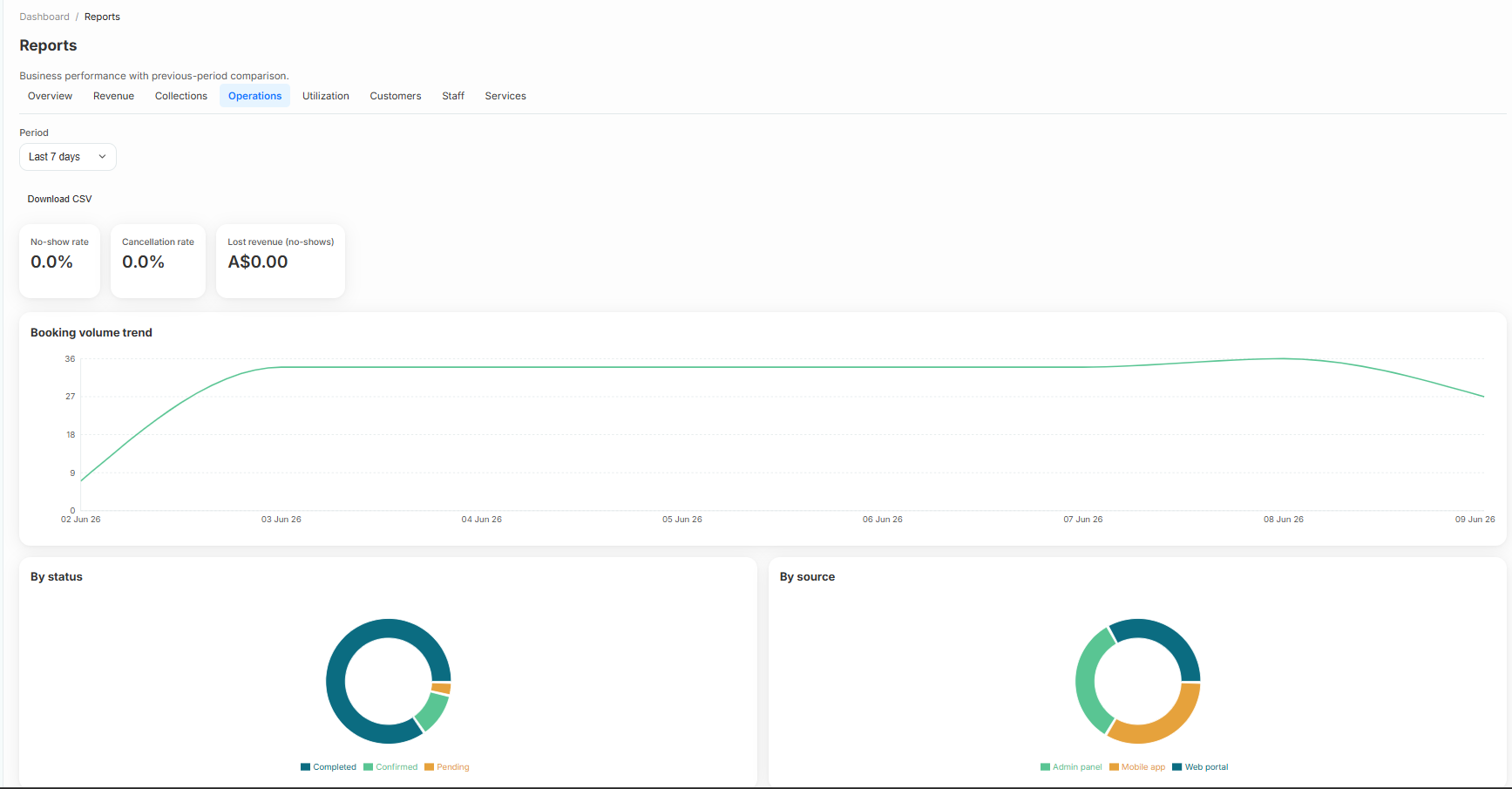
- Operations overview: bookings, revenue, and cancellations
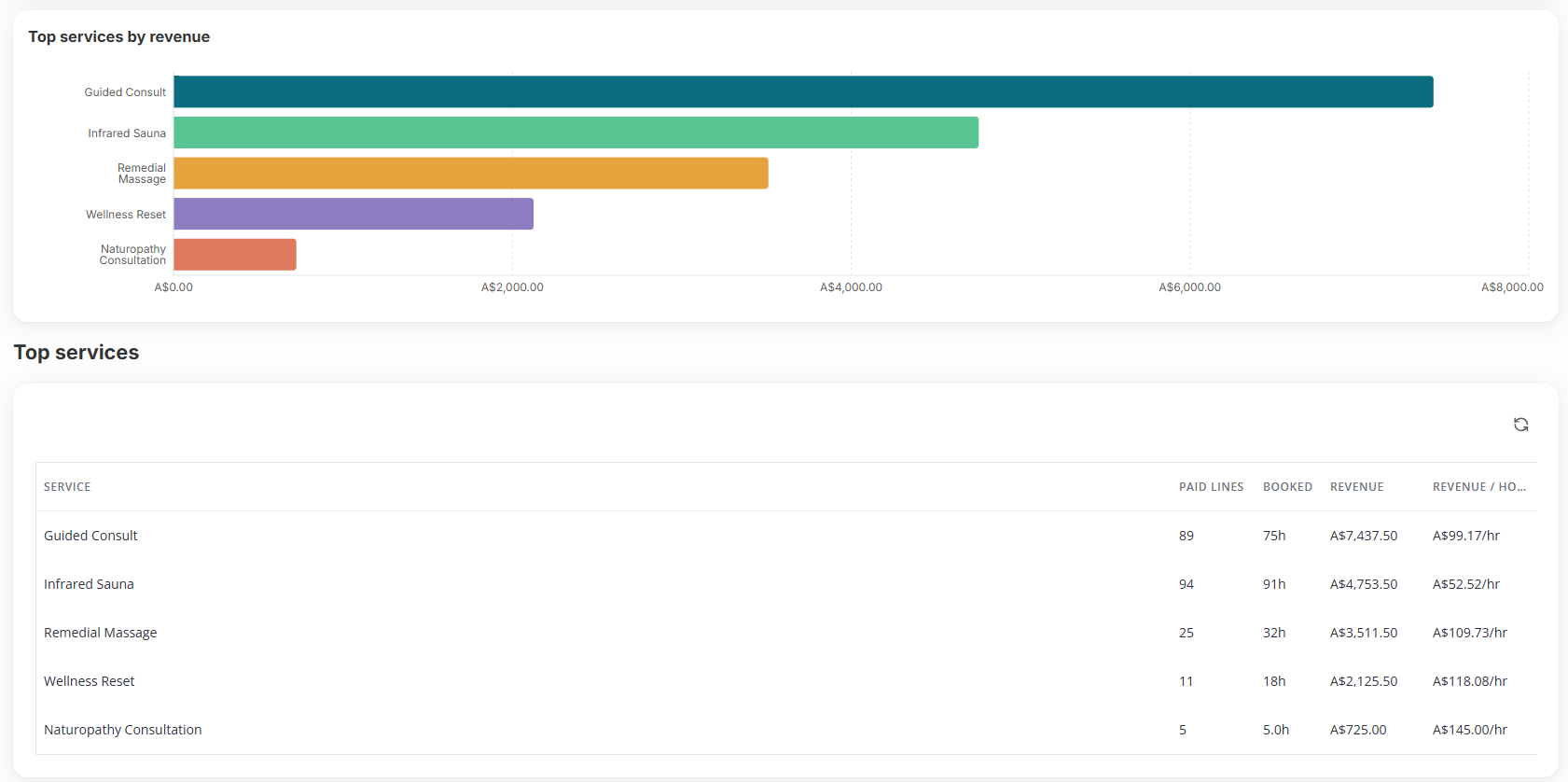
- Top services and package sales
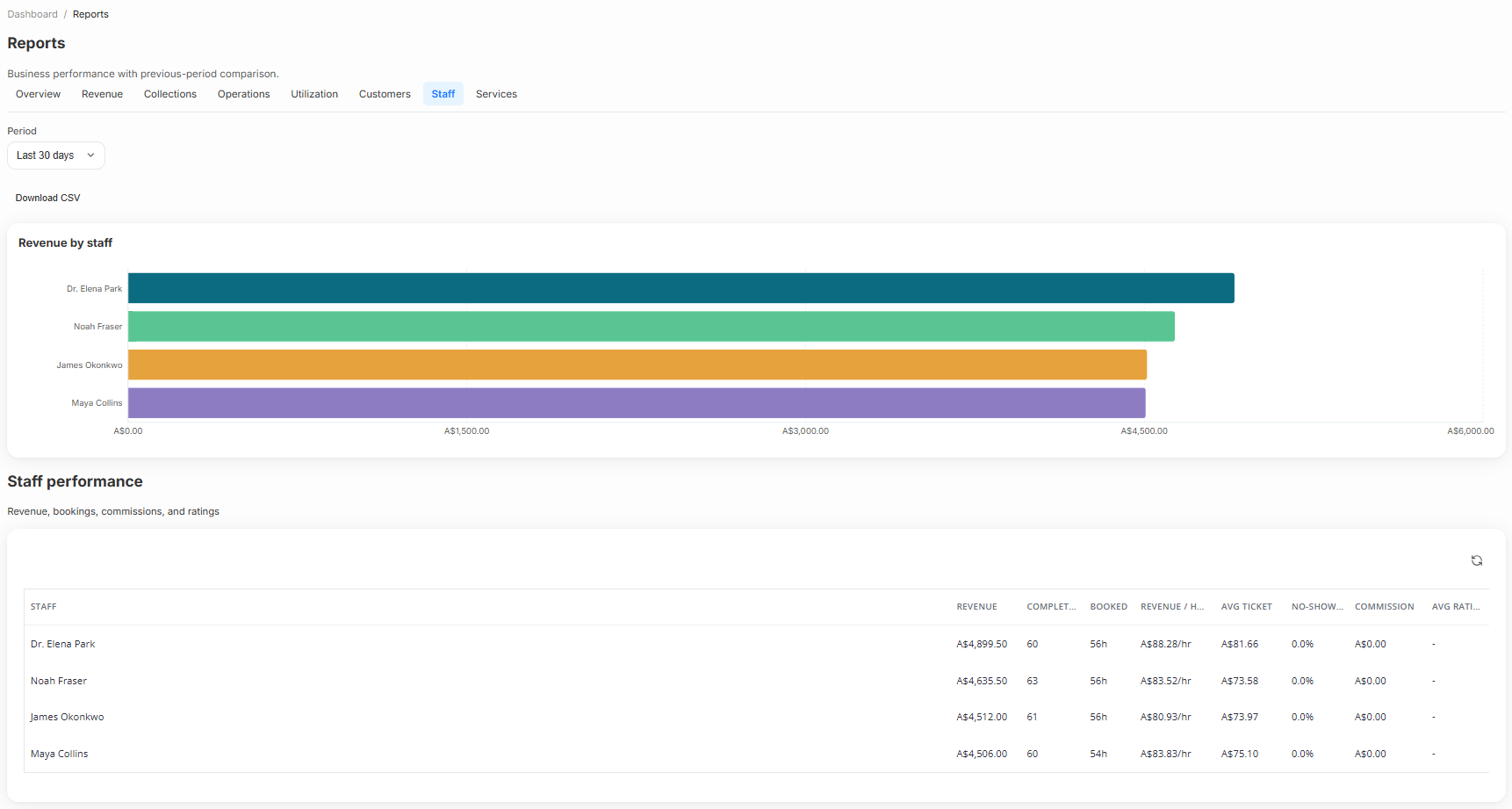
- Staff performance and booking counts
- Resource and room utilization
- Date-range filters aligned to your timezone
- Export-friendly views for accountants and owners
Built right into the product
No bolt-ons, no surprise add-ons. Reports & analytics ships on plans labelled All plans.
- Operations overview: bookings, revenue, and cancellations
- Top services and package sales
- Staff performance and booking counts
- Resource and room utilization
- Date-range filters aligned to your timezone
- Export-friendly views for accountants and owners
Inside Revively
Reports & analytics, up close
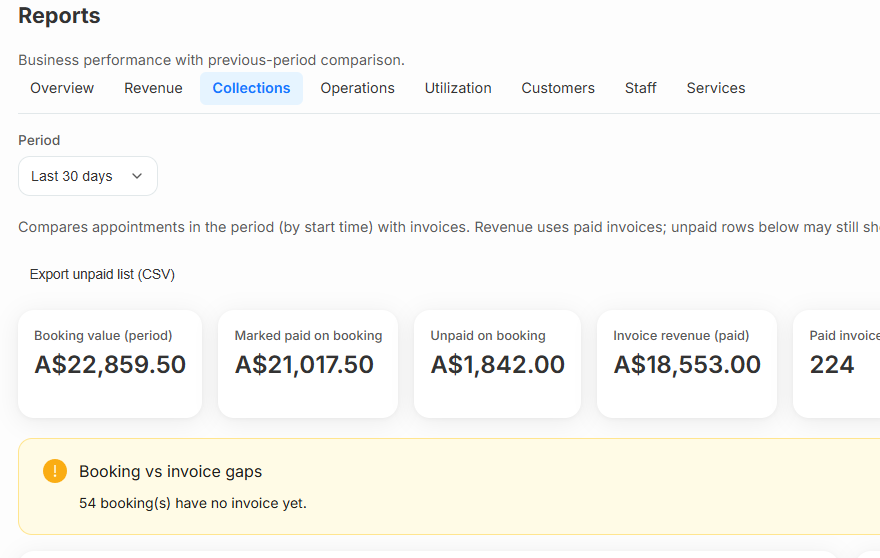
Step through live reports & analytics screens from the product - each one captioned so you can see how it works.
How it works
Three moves and you're live
Open Reports
Dashboard → Reports: pick Operations, Top Services, Staff, or Utilization.
Filter the period
Set this week, month, or a custom range - all in your business timezone.
Act on the insight
Spot under-used rooms, top performers, or lapsed segments - then adjust pricing or staffing.
Related
Pair it with
Help & guides
Set it up
Ready to run your day, not your inbox?
Start a 15-day free trial. No credit card needed. Import your services in minutes - or pick a vertical pack and we'll seed sensible defaults.