Branded online booking & portal
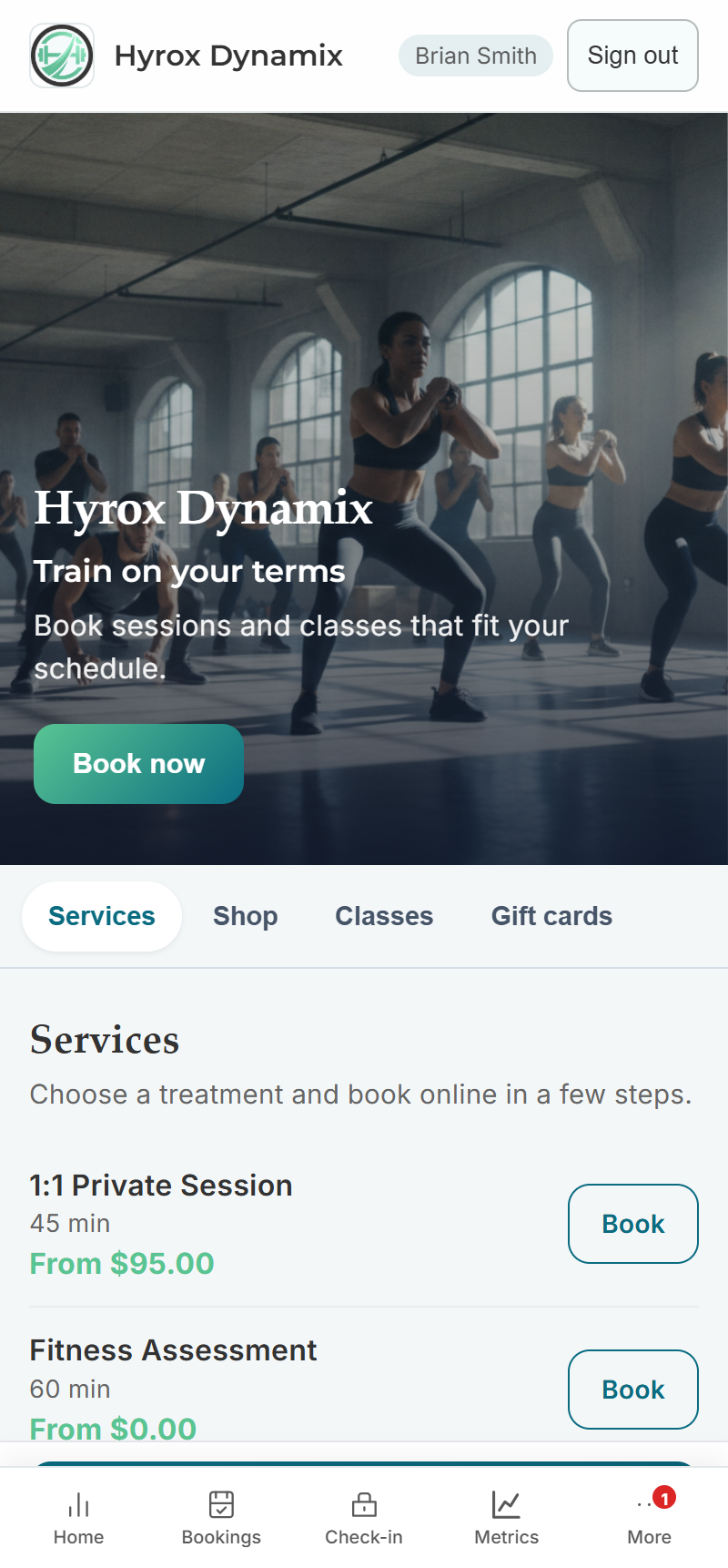
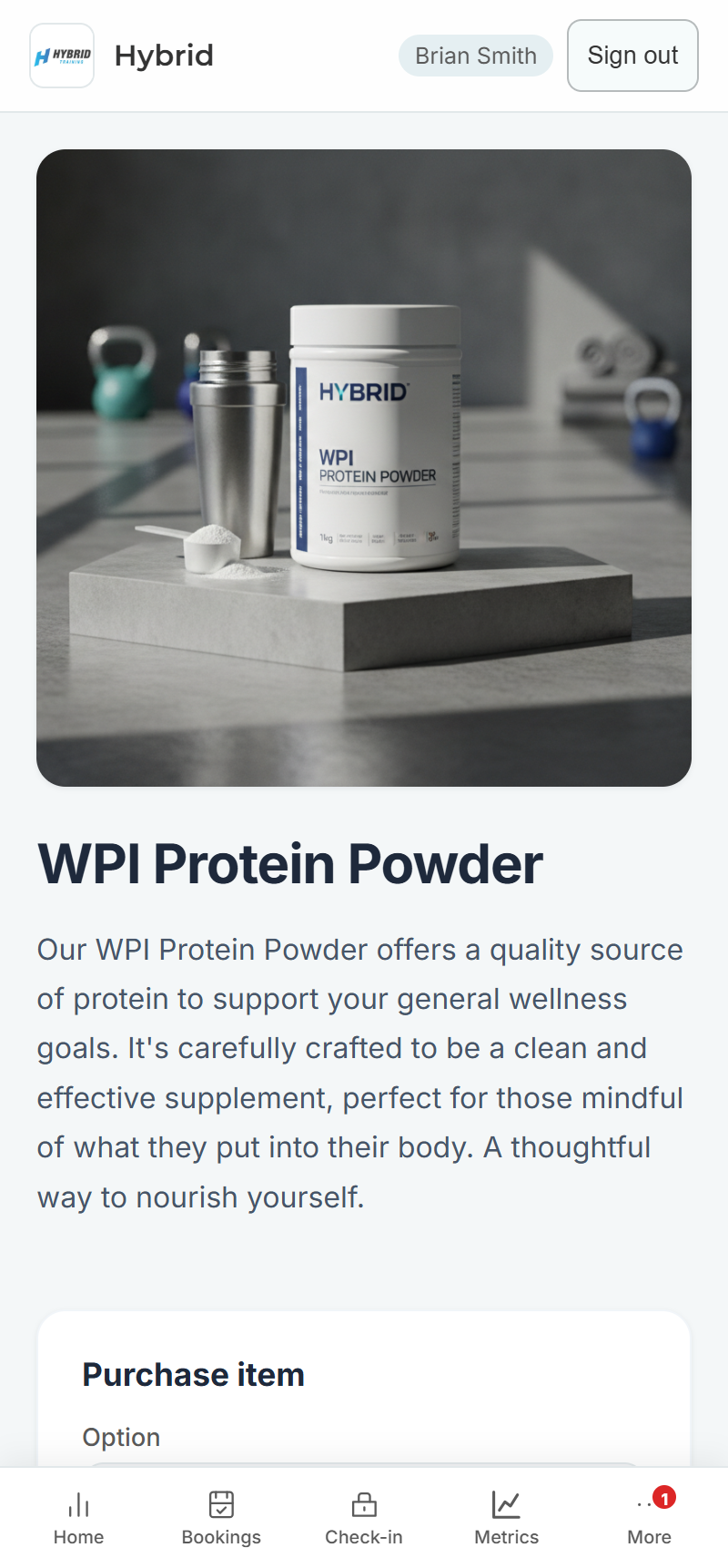
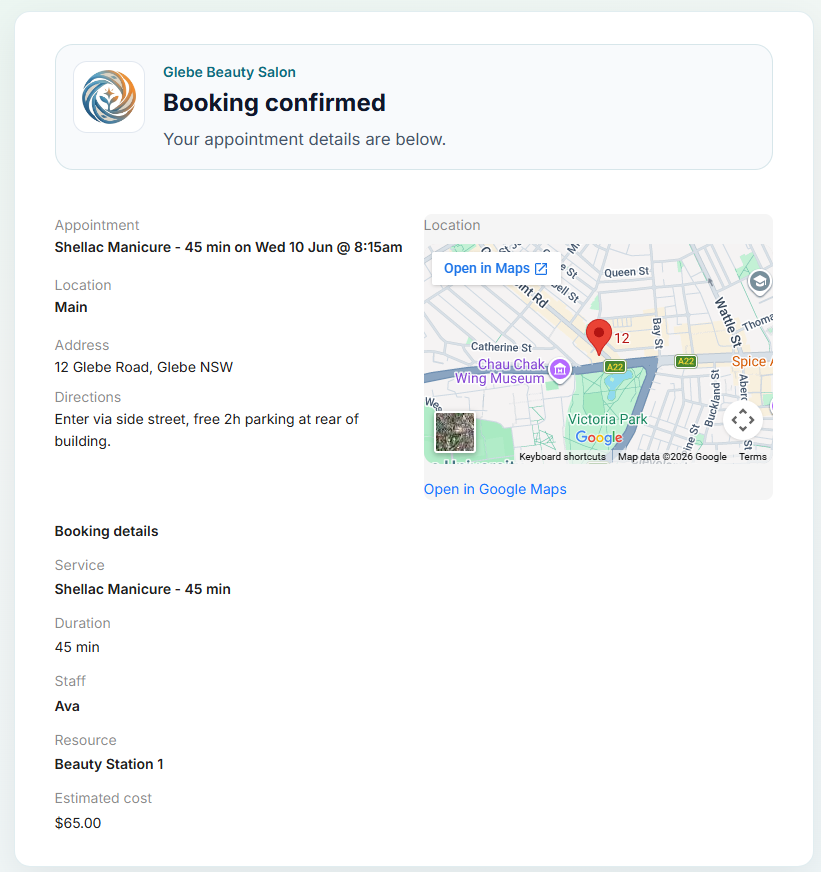
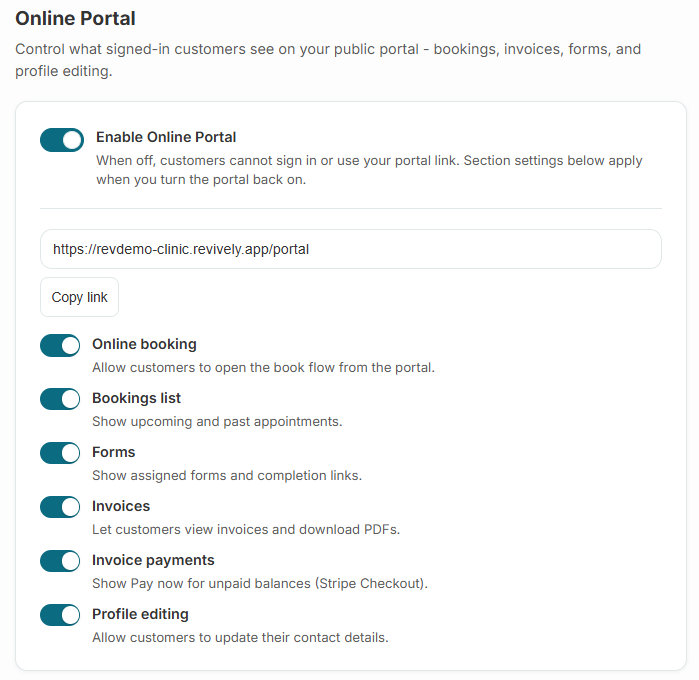
Your customers don't book on a generic widget on someone else's domain. They land on your storefront homepage, browse services, the week's classes, retail, and gift cards, then check out on your subdomain - and open the SMS confirmation for details, directions, and a live map. Signed-in customers get bookings, forms, invoices, and progress in the same place.
- {your-business}.revively.app or custom domain
- Storefront homepage with hero, Book now, and tabs for services, shop, classes, and gift cards
- Guided booking flow - service, time, guest or member checkout
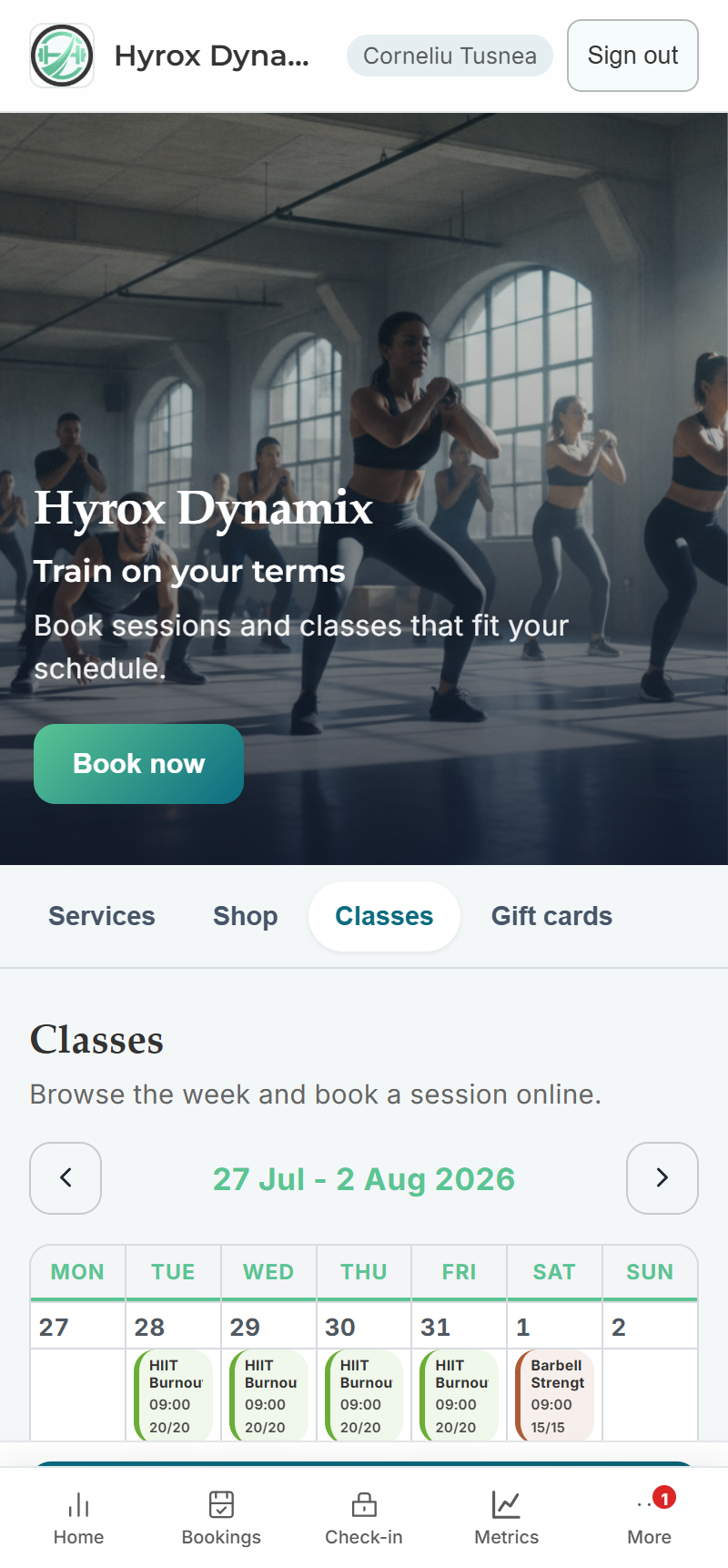
- Weekly class timetable with live capacity and online enrollment
- SMS and email confirmations with a link to booking details and a live map
- Customer portal: upcoming bookings, forms, invoices, progress, profile
Built right into the product
No bolt-ons, no surprise add-ons. Branded online booking & portal ships on plans labelled All plans.
- {your-business}.revively.app or custom domain
- Storefront homepage with hero, Book now, and tabs for services, shop, classes, and gift cards
- Guided booking flow - service, time, guest or member checkout
- Weekly class timetable with live capacity and online enrollment
- SMS and email confirmations with a link to booking details and a live map
- Customer portal: upcoming bookings, forms, invoices, progress, profile
Inside Revively
Branded online booking & portal, up close
Step through live branded online booking & portal screens from the product - each one captioned so you can see how it works.
How it works
Three moves and you're live
Claim your URL
Pick your workspace slug at sign-up - the portal goes live the same day.
Style it like you
Settings → Design uploads your logo and brand color across portal, booking flow, and emails.
Choose what appears
Settings → Online Storefront: turn on the homepage and pick which sections show - staff, services, classes, shop, packages, gift cards.
Customers book and buy
They browse, book a slot or buy a product, and pay - availability and stock listings stay in sync with your dashboard.
Related
Pair it with
Help & guides
Set it up
Ready to run your day, not your inbox?
Start a 15-day free trial. No credit card needed. Import your services in minutes - or pick a vertical pack and we'll seed sensible defaults.