
Front deskGrowth
Front desk check-in
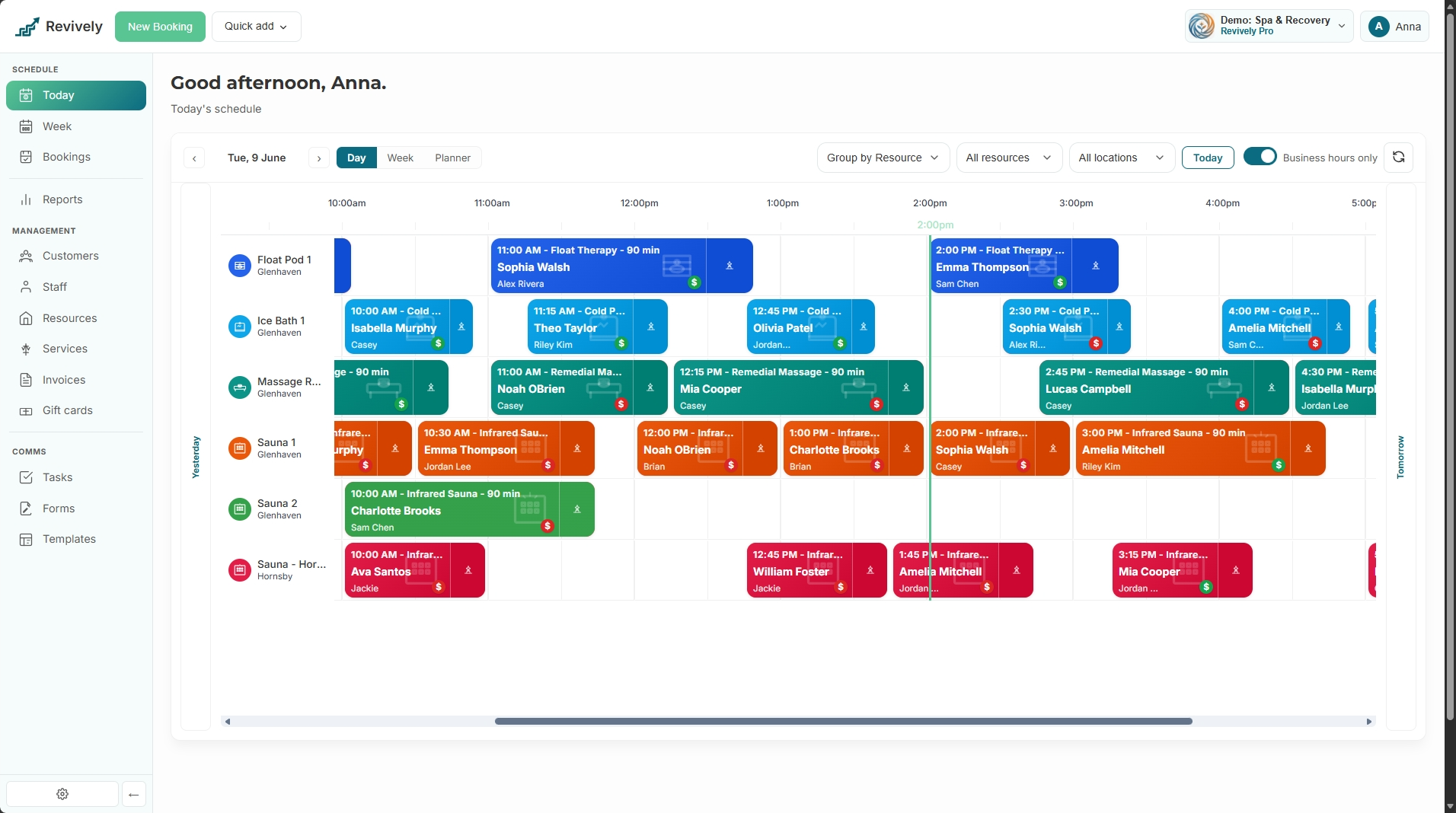
Reception should not hunt across calendars. Front desk shows who is due now, supports early check-in with a confirm, and pairs with a printable check-in QR so members can scan on the way in.
- Live today board for bookings and class enrollments
- Check in and check out with invoice handoff
- Take payment on unpaid class enrollments
- Early check-in confirmation when arrival is early
- Public check-in QR and link from Settings → Check-in QR
- Same actions available on the mobile day board when entitled
What's included
Built right into the product
No bolt-ons, no surprise add-ons. Front desk check-in ships on plans labelled Growth and Pro.
- Live today board for bookings and class enrollments
- Check in and check out with invoice handoff
- Take payment on unpaid class enrollments
- Early check-in confirmation when arrival is early
- Public check-in QR and link from Settings → Check-in QR
- Same actions available on the mobile day board when entitled
How it works
Three moves and you're live
1
Open Front desk
Operations → Front desk: today's sessions refresh live as the day runs.
2
Check guests in
Search the grid, check in arrivals, take payment or check out to invoicing when ready.
3
Share the QR
Settings → Check-in QR: copy the link or print the QR for foyer and door tablets.
Related
Pair it with
Help & guides
Set it up
Ready to run your day, not your inbox?
Start a 15-day free trial. No credit card needed. Import your services in minutes - or pick a vertical pack and we'll seed sensible defaults.