
SMS
Transactional SMS & dedicated numbers
Customers read texts. Revively sends transactional SMS for bookings and invites, and Pro workspaces can provision a dedicated Australian number for two-way messaging from Settings → SMS number.
- Transactional SMS for confirmations, reminders, and staff invites
- Revively shared AU number available on eligible plans
- Dedicated two-way AU number on Pro via Settings → SMS number
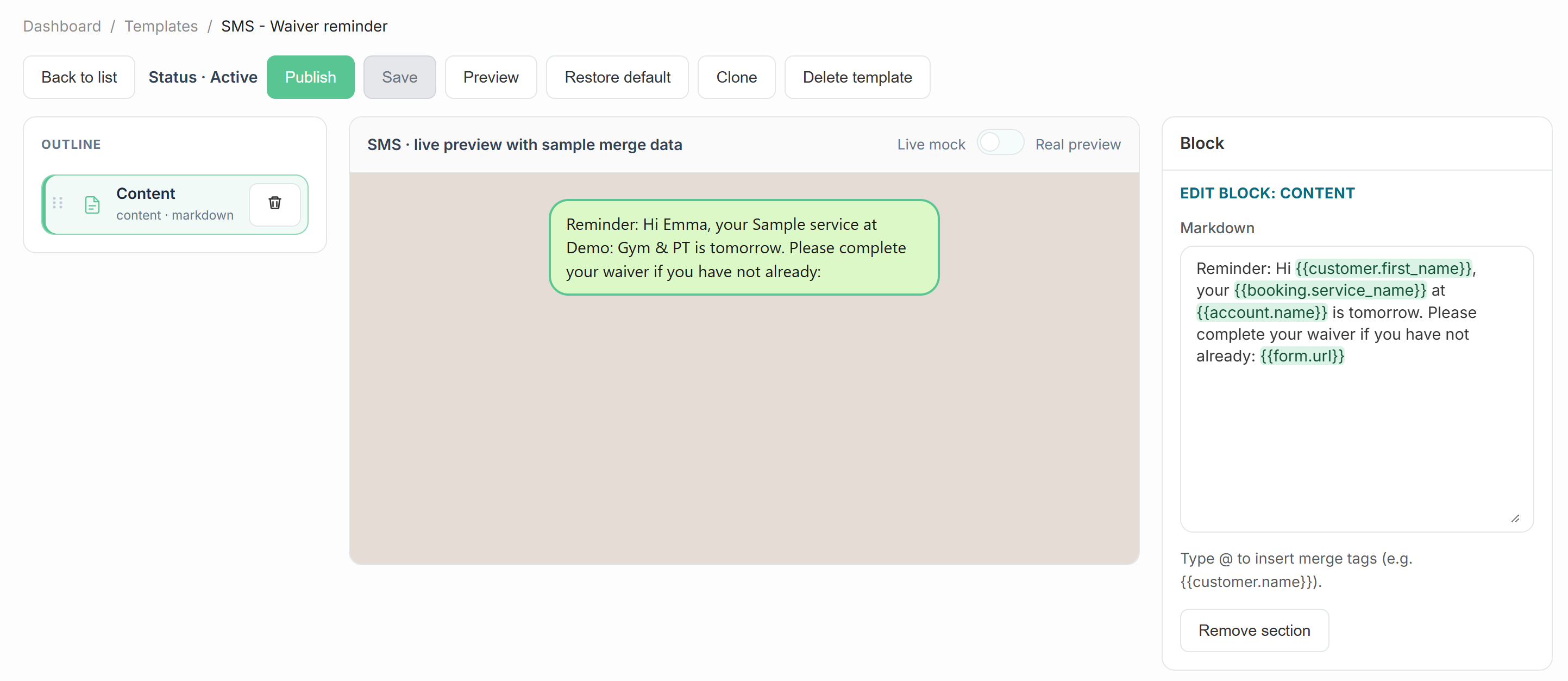
- SMS templates with booking-link merge tags
- Respects marketing opt-ins for promotional sends
- Delivery tracked through the notification job queue
What's included
Built right into the product
No bolt-ons, no surprise add-ons. Transactional SMS & dedicated numbers ships on plans labelled All plans.
- Transactional SMS for confirmations, reminders, and staff invites
- Revively shared AU number available on eligible plans
- Dedicated two-way AU number on Pro via Settings → SMS number
- SMS templates with booking-link merge tags
- Respects marketing opt-ins for promotional sends
- Delivery tracked through the notification job queue
How it works
Three moves and you're live
1
Confirm identity details
Settings → Identity: complete business fields required for SMS compliance.
2
Choose your number path
Use the shared Revively number, or on Pro open Settings → SMS number to provision a dedicated AU mobile.
3
Tune templates
Edit SMS templates so confirmations include your booking link and tone of voice.
Related
Pair it with
Help & guides
Set it up
Ready to run your day, not your inbox?
Start a 15-day free trial. No credit card needed. Import your services in minutes - or pick a vertical pack and we'll seed sensible defaults.